Built around how students actually learn
Short, playful and in the language spoken at home. A teacher in the room, an app in the pocket, and real scams shown live so nobody has to imagine what a trap looks like.
Four ways of learning, one program
Each one reinforces the others. What a student hears in class, they practise in the app, see demonstrated live, and are tested on before and after.
Classroom sessions
Live sessions at the school by certified instructors: 6 to 8 per grade a year, 45 to 60 minutes each. Discussion, role-play, group activities and anonymised case studies. Works in a computer lab, in a classroom with a projector, or with printed material where there is neither.
The app
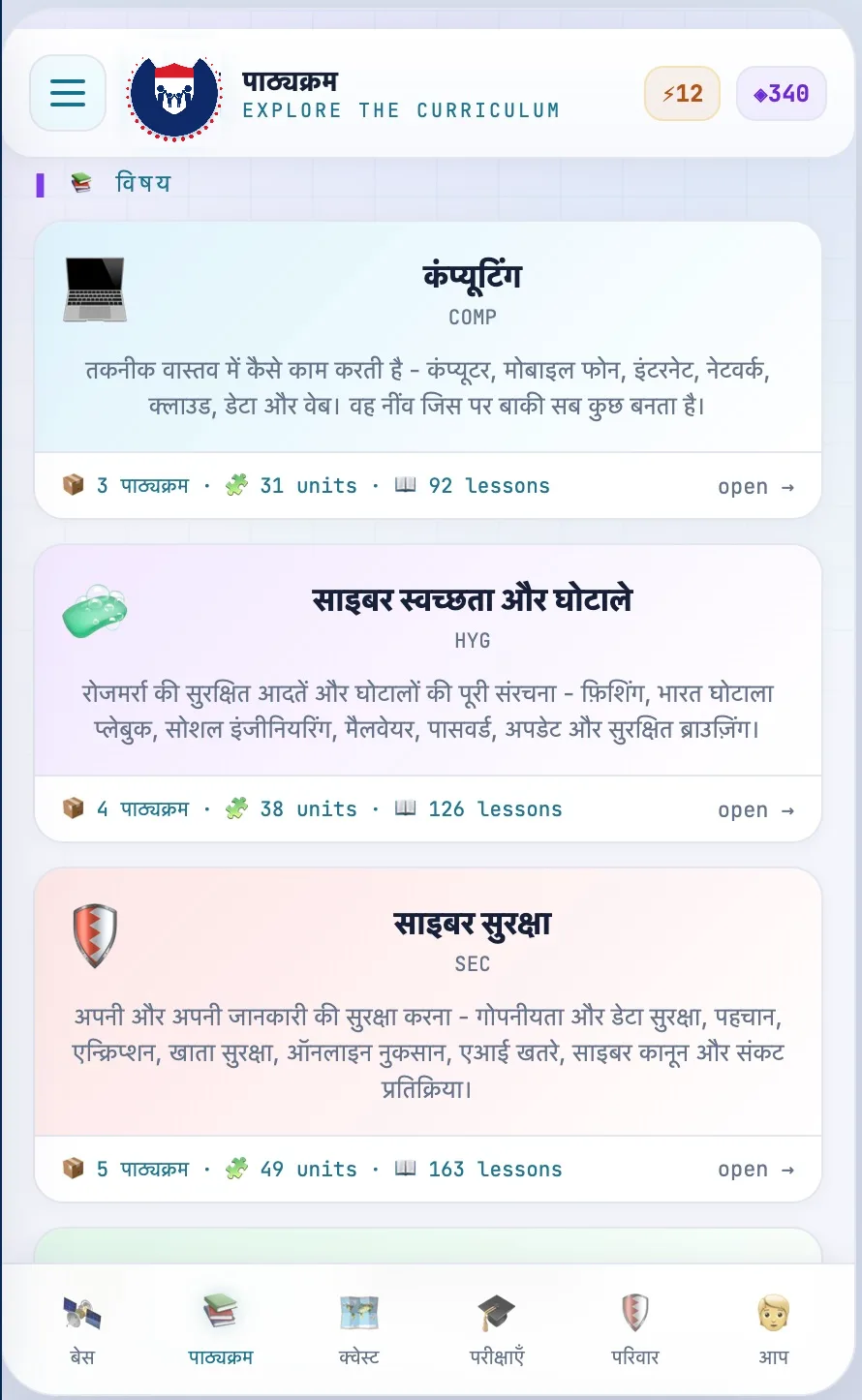
Self-paced modules on a phone or in a browser: animated stories, interactive scenarios, quizzes and weekly missions, with a learning path set by grade. Lessons download on Wi-Fi and sync when the phone reconnects.
Live demonstrations and simulation labs
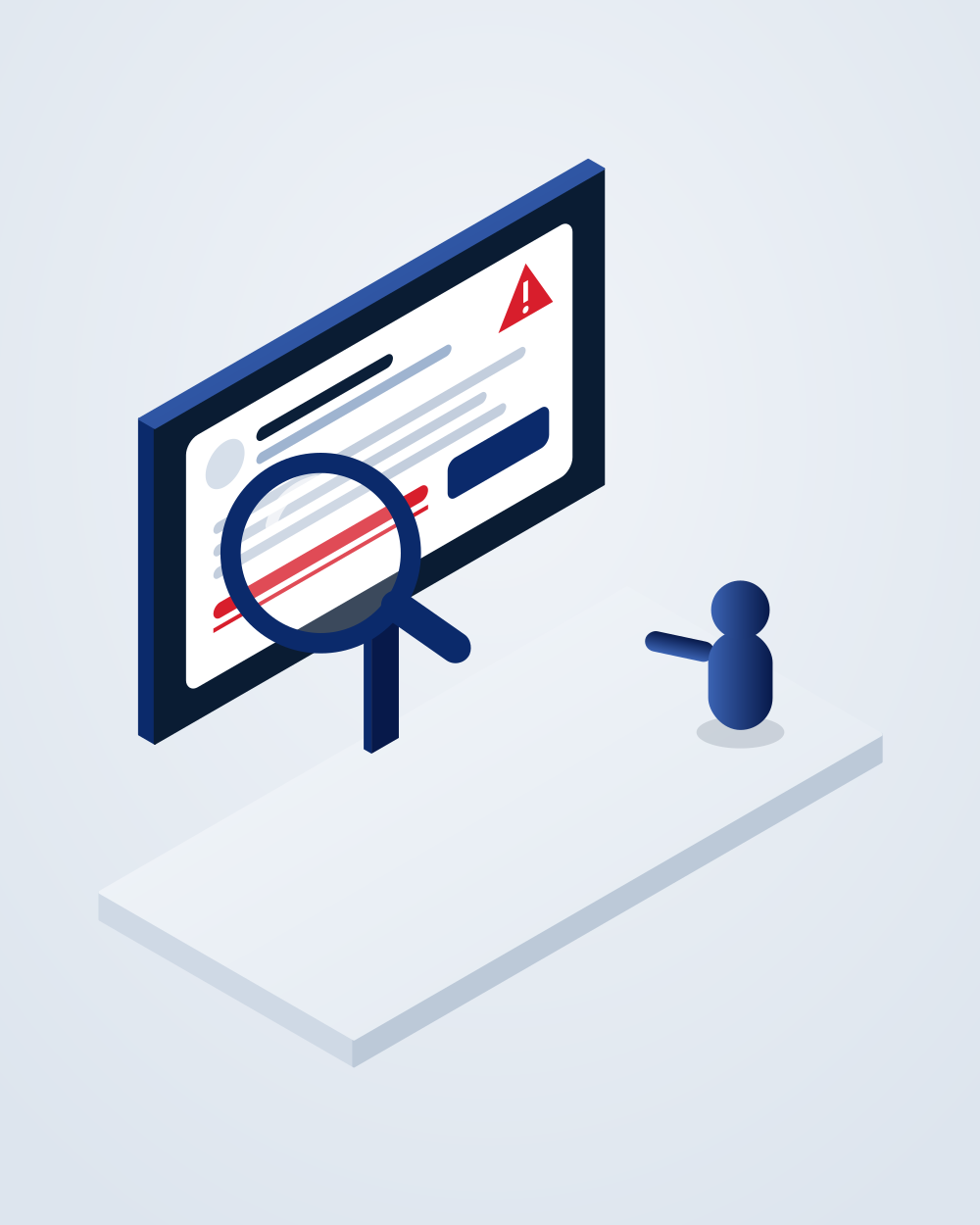
Instructors show attacks as they happen: a phishing email, a fake payment request, a weak password being cracked. Older students receive a harmless test phishing message, then debrief on who clicked and what they could have noticed.
Assessment and tracking
A short quiz before the program starts and after each level. Progress dashboards for teachers, certificates for students, and quarterly reports for districts and the state. See the platform.
Learn in your own language
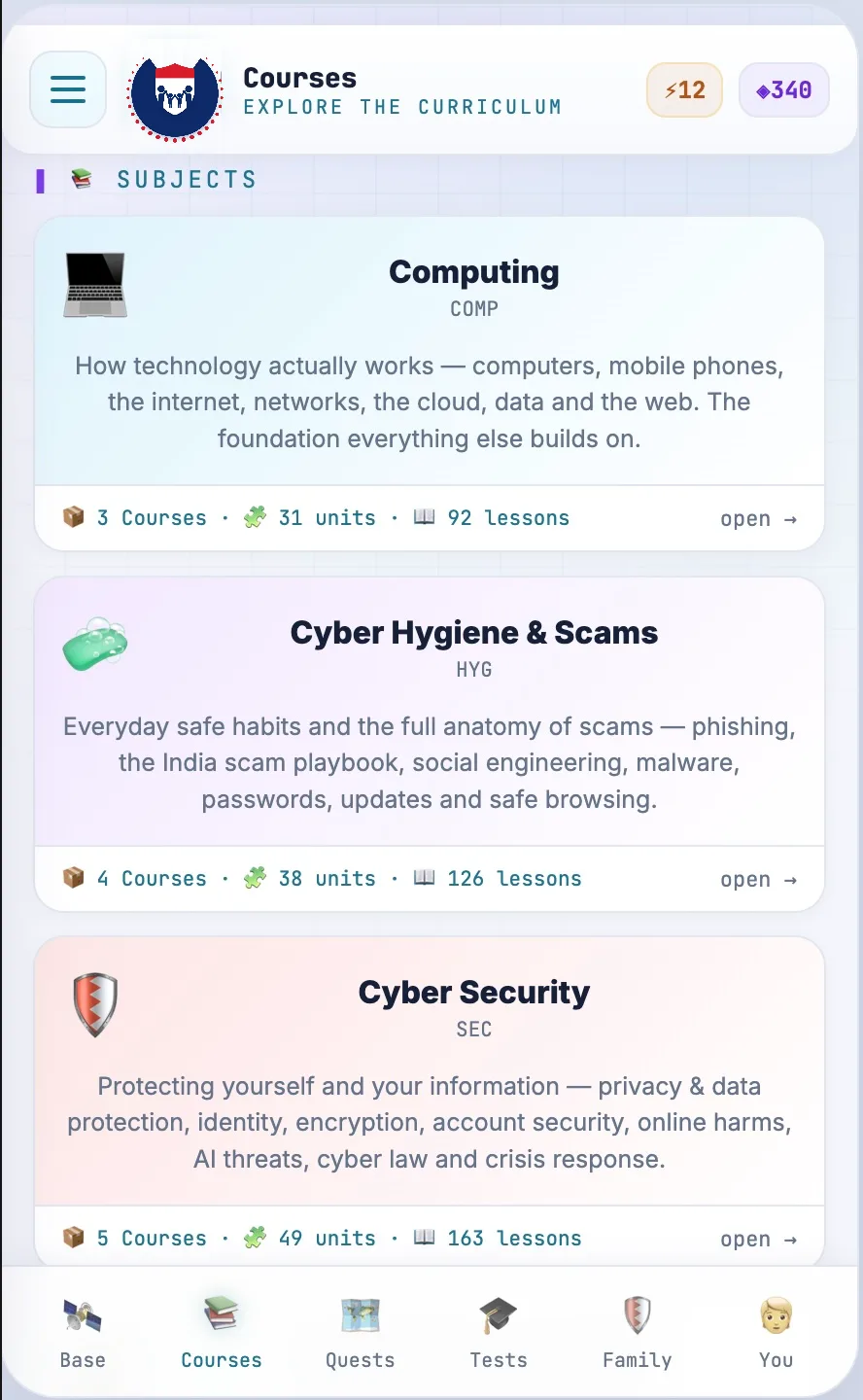
A student picks a language once. Menus, lessons, quizzes, stories and certificates all follow, so nobody has to translate in their head while they learn. Teachers can switch a whole class at any time.
- English
- हिन्दी
- मराठी
- कोंकणी
- ગુજરાતી
- தமிழ்
- తెలుగు
- ಕನ್ನಡ
- বাংলা
- ਪੰਜਾਬੀ
- മലയാളം
- ଓଡ଼ିଆ
- اردو
- العربية
- Русский
- Türkçe
Twelve Indian languages today, plus English and international languages including Arabic, Russian, Uzbek, Kazakh, Polish and Turkish. Konkani and Marathi first for the Goa pilot.
Play, don't memorise
Every module earns points. Points move a student through four ranks, from Novice to Defender, Guardian and Protector. Badges mark real skills, not attendance.
- Weekly missions
- Five-minute challenges at bronze, silver and gold, such as finding five phishing emails or securing a social media account.
- Monthly competitions
- A class or school-wide quiz bowl, a poster challenge, an incident-response drill. Capture-the-flag events each term for Grades 9 to 12.
- Badges
- Password Pro, Phishing Detective, Privacy Champion, Incident Reporter, Peer Mentor. Each has a test behind it.
- Certificates
- One for every module and every level, printable, with the score and date. Schools with the highest completion are recognised each year.
Works without internet
Built for low-cost phones and patchy connections. Core modules download over Wi-Fi at school and run offline at home. Scores and progress sync the next time the phone connects, so a dashboard is never wrong for long. Videos are kept short and compressed so they load on a weak signal.
Right for your age
A nine-year-old learns what personal information is and why a password is a secret. A sixteen-year-old runs a phishing simulation and studies the Indian laws that apply to what they post. Four levels, each written for its age group. See the full curriculum.
Progress teachers and governments can see
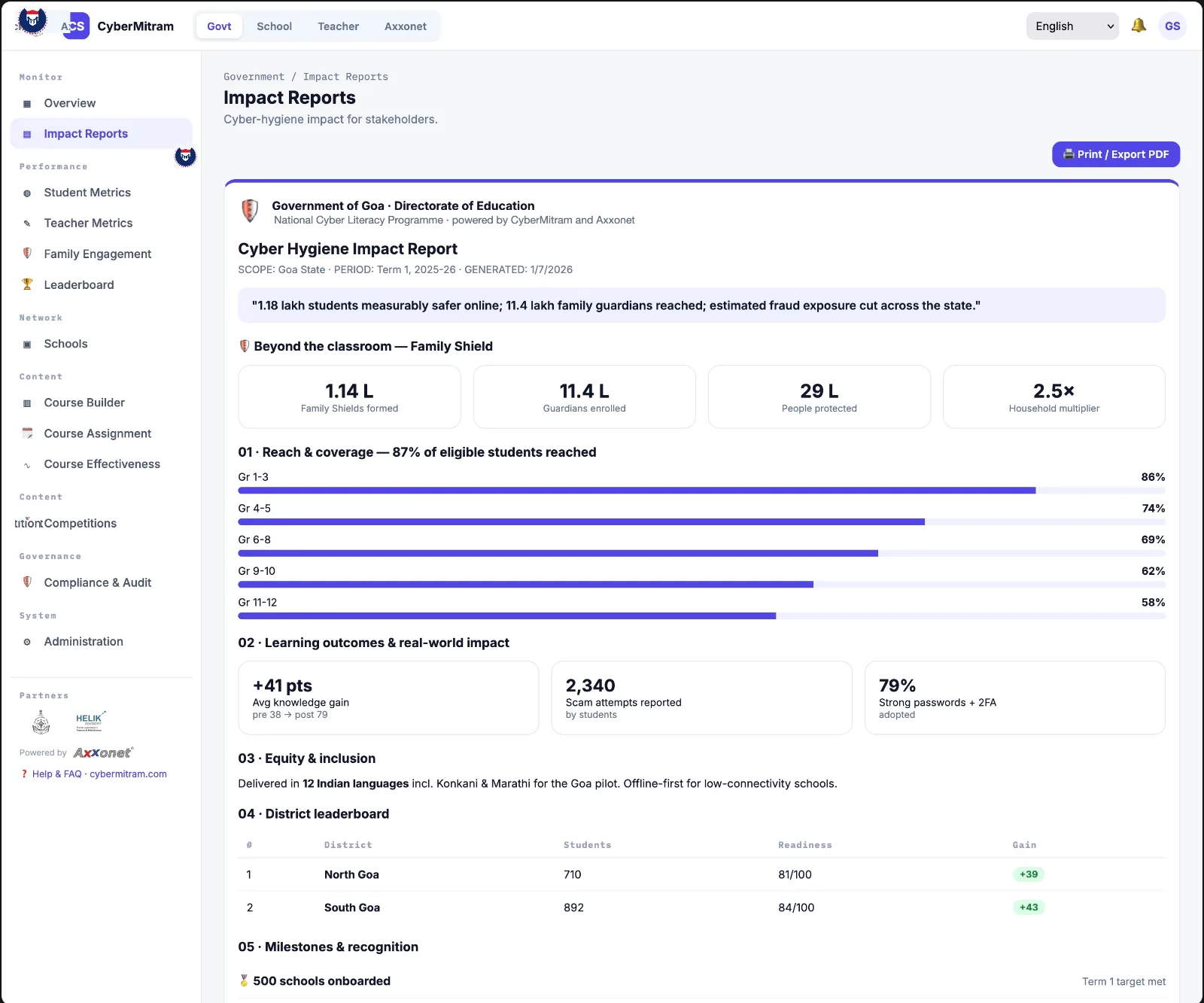
Every student takes a short assessment before the program and after each level. The difference is the result. Teachers see it per class, principals per school, and the education department per district and state, with a quarterly report ready to print.
See it in your school before you decide.
Book a school demo