
A curriculum that grows with your grade
Four levels from Grade 3 to Grade 12. Each is written for its age group and builds on the one before, so a student who starts at nine leaves school at eighteen having practised, not just heard, everything that matters.
Foundations
Story-based lessons, picture quizzes and classroom games that make safety feel like play.
Digital citizen
Scenario challenges, app missions and role-plays built around the apps students already use.
Defender
Simulation labs, real case studies and live scam demonstrations in a safe sandbox.
Explorer
Capture-the-flag challenges, forensics labs and talks from working cyber security professionals.
Inside each level
Foundations
Stories, picture quizzes and classroom games. Students meet Maya on her first day online and follow her through the year.
- Say what personal information is and why it stays private
- Recognise cyberbullying and know how to respond
- Create a simple, memorable password and lock a device
- Name a trusted adult to talk to about anything online
Animated stories such as "Maya’s First Day Online" and "The Case of Oversharing Oscar", the Password Builder game, and picture quizzes like "Is this personal information?".
- 1My digital world1 session
- 2Personal information and privacy1 session
- 3Passwords and device safety1 session
- 4Cyberbullying and online kindness1 session
- 5Safe games, apps and downloads1 session
Digital citizen
Scenario challenges, weekly app missions and group role-plays built around the apps students already use every day.
- Explain why nothing posted online is ever fully deleted
- Recognise phishing, scams and social engineering
- Set privacy controls on their own social media accounts
- Make safer decisions about online friendships and content
The Footprint Tracker simulation, the Bystander Choices game, Fortress Login, a password strength checker, and "You’re Not Alone", a guide to helplines and counsellors.
- 1Digital identity and your online footprint1 session
- 2Cyberbullying, harassment and mental health1 to 2 sessions
- 3Passwords, 2FA and account security1 session
- 4Phishing, scams and fake links1 session
- 5Privacy settings and social media1 session
- 6Screen time, gaming and healthy habits1 session
- 7Online friendships and strangers1 session
Defender
Simulation labs, anonymised real cases from forensic investigations, and live demonstrations of the scams that target teenagers and their families.
- Describe the main threats to teenagers and why attackers do it
- Recognise a payment, OTP or impersonation fraud as it happens
- Secure their own phone, accounts and home Wi-Fi
- Report an incident, and know which Indian laws apply
Threat Classification, the Spear Phishing Scenario, "Verify This" on checking a website or caller, a controlled phishing simulation with a class debrief, and a case study library.
- 1The threat landscape for teenagers1 session
- 2Advanced phishing and social engineering1 session
- 3UPI, OTP and online payment fraud1 session
- 4Securing your phone, accounts and Wi-Fi1 session
- 5Fake websites and safe browsing1 session
- 6Stalking, sextortion and image-based abuse1 session
- 7Indian cyber laws and your rights1 session
- 8Reporting an incident: 1930 and cybercrime.gov.in1 session
Explorer
Capture-the-flag challenges, a first look at digital forensics, and sessions with working cyber security and forensic professionals.
- Explain how a modern attack unfolds, from reconnaissance to breach
- Preserve digital evidence correctly after an incident
- Weigh the ethics of what they build, share and post
- Decide whether a career in cyber security is for them, and lead awareness for younger students
The Attack Chain Builder, an Evidence Collection scenario, "Inside a Data Breach", quarterly capture-the-flag competitions, and a peer mentor track for students who teach juniors.
- 1Deep dive into cyber threats1 to 2 sessions
- 2Digital forensics and evidence preservation1 session
- 3Data breaches and what happens to your data1 session
- 4Ethics, consent and responsible technology1 session
- 5Privacy, data protection and the law1 session
- 6Capture the flag1 to 2 sessions
- 7Careers in cyber security1 session
- 8Leading awareness in your school1 session
What a session looks like
Every classroom session runs 45 to 60 minutes and follows the same rhythm, so students know what to expect and instructors can focus on the room rather than the clock.
- 5 minIce breakerA warm-up question, a meme, a short video.
- 5 minRecapWhat we learned last time.
- 15 minPresentationSlides, real examples, a story from a real case.
- 10 minActivity or live demoRole-play, a group task, a poll, or an attack shown live.
- 10 minIn the appThe matching module, quiz or scenario on students' devices.
- 10 minQuestions and reflectionOpen discussion, worries, takeaways.
- 5 minHomeworkAn app module or worksheet for next week.
Passwords, two-factor authentication and account security
By the end, a Grade 7 student can create a strong password they will actually remember, turn on two-factor authentication, and knows what to do the moment an account looks hacked.
Turn on 2FA for one personal account and submit a screenshot. Finish the app quiz before next week.
- 5 min"Worst passwords" poll
- 10 minWhat makes a password strong
- 5 minLive demo: a weak password cracked on the projector
- 10 minEveryone builds a passphrase of their own
- 5 minVideo: two-factor authentication explained
- 10 minQuestions and wrap-up
- 5 minGame: Fortress Login
- 8 minVideo: Hacked! What now?
- 5 minPassword strength checker
- 10 minQuiz: ten questions on passwords and 2FA
Who teaches it
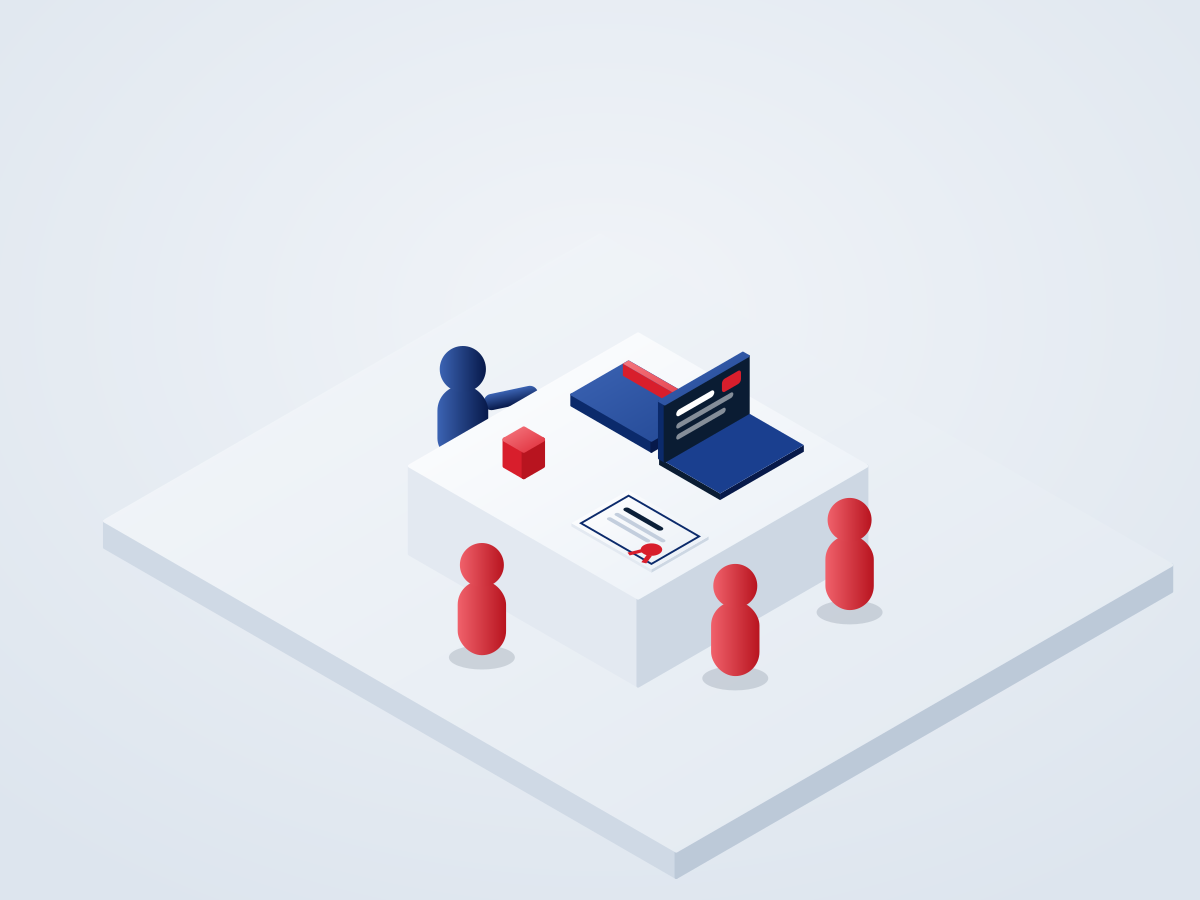
Certified instructors: cyber professionals and educators who complete a 16 to 24 hour certification covering the content, how to teach each age group, how to handle sensitive topics such as bullying and harassment, and how to escalate a real incident a student brings to them.
Schools that want to run sessions with their own teachers can. The same certification, plus an instructor handbook, slide decks for every module, worksheets, answer keys and a library of anonymised cases, with quarterly refresher webinars and a helpdesk.